

Overview
Sessions are interactive agent workspaces started from a sandbox profile. Use sessions for work such as:- debugging failing tests
- reviewing code changes
- implementing repository changes
- investigating logs or provider state through integrations
- preparing pull requests
How Sessions Start
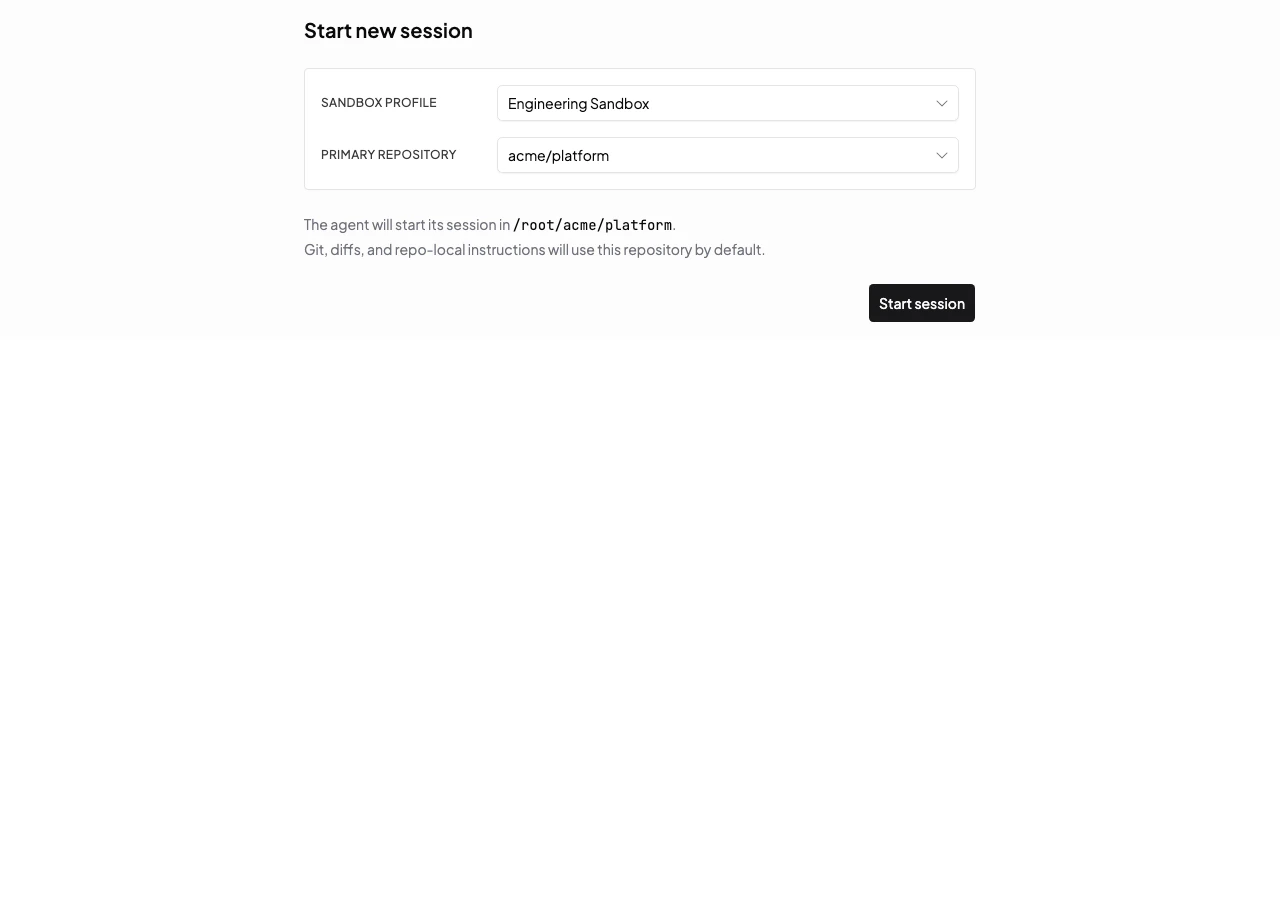
When a user starts a session, Mistle selects the requested sandbox profile version and creates a sandbox for the agent. If the profile version has a usable snapshot, the sandbox can start from that prepared image. This avoids repeating setup work that was already captured by the profile snapshot. When a repository is selected at session start, Mistle uses it as the agent’s startup working directory. That working directory determines which repo-local instructions and skills the agent sees when the session begins.Start A Session
To start interactive agent work:- Open Sessions.
- Create a new session.
- Choose the sandbox profile for the work.
- Choose the repository or workspace where the agent should start.
- Describe the task for the agent.
- Start the session.
Use A Session
After a session starts, the session workbench becomes the main place where you collaborate with the agent, inspect the sandbox, and review changes before the work leaves Mistle.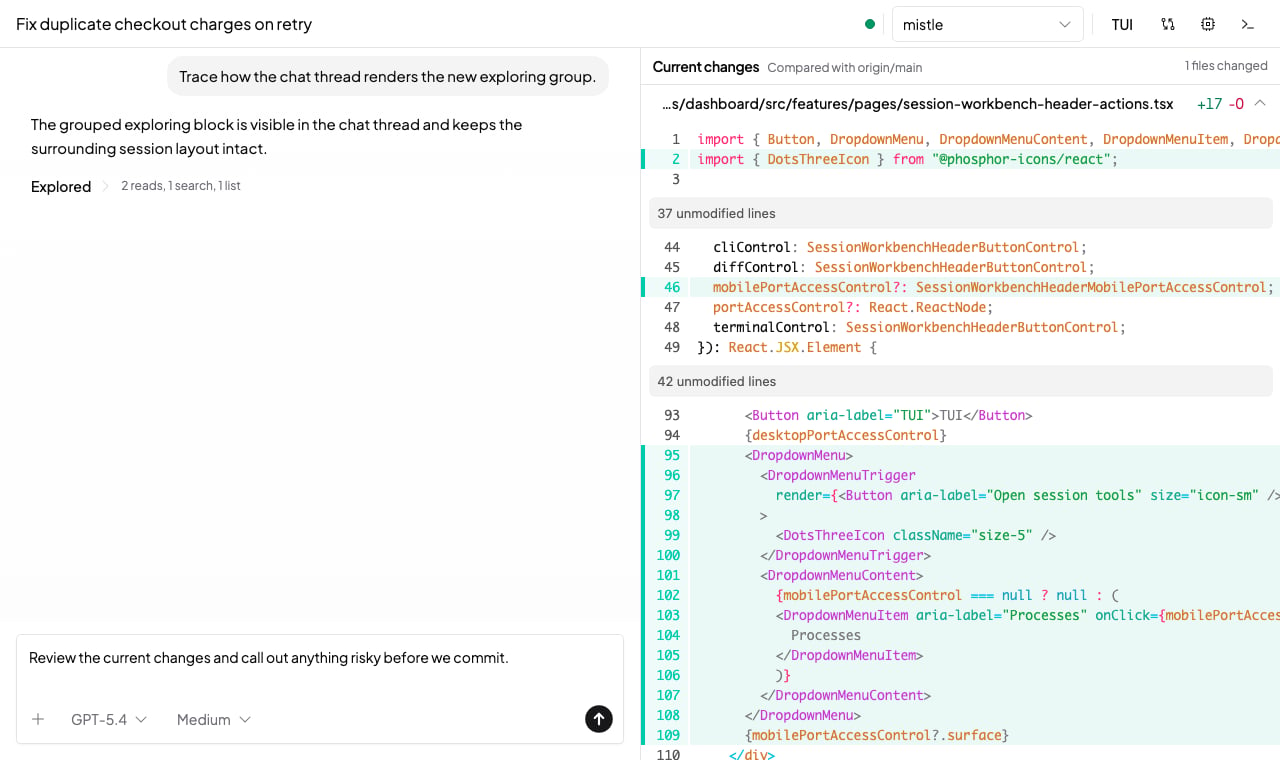
Choose The Primary Repository
Profiles can expose one or more repositories or workspaces. Use the Primary repository selector to choose the working directory for the current turn. The primary repository sets where new agent threads, the runtime TUI, terminals, repository status checks, and code diffs run. Set it to the repository where the agent should do the work. This matters because repo-local instructions and skills are discovered from the working directory. Choosing the wrong repository can start the agent without the project-specific guidance it needs. If a session does not have a repository, repository-dependent controls show an unavailable state instead of guessing which directory to use.Chat And TUI
The default session view is chat. Use it for normal agent instructions, follow-up questions, file attachments, approvals, and review comments. Use TUI when you want to work directly in the selected agent runtime’s native terminal interface. The TUI replaces the chat pane while it is open, and you can return to chat from the same header control. When the active runtime exposes model options, the composer shows model and reasoning controls. Use them before sending a message when a task needs a different model or reasoning effort. You can attach files from the composer by clicking the add-files control, pasting files, or dropping files into the composer. Attached files are sent with the next message.Review Code Changes
Open Changes to review the current repository diff without leaving the session. The changes panel compares the selected repository with its default branch, shows tracked and untracked file changes, and keeps the review beside the conversation. Use this when you want to inspect the agent’s work before asking for revisions, approving a file change, or preparing a pull request.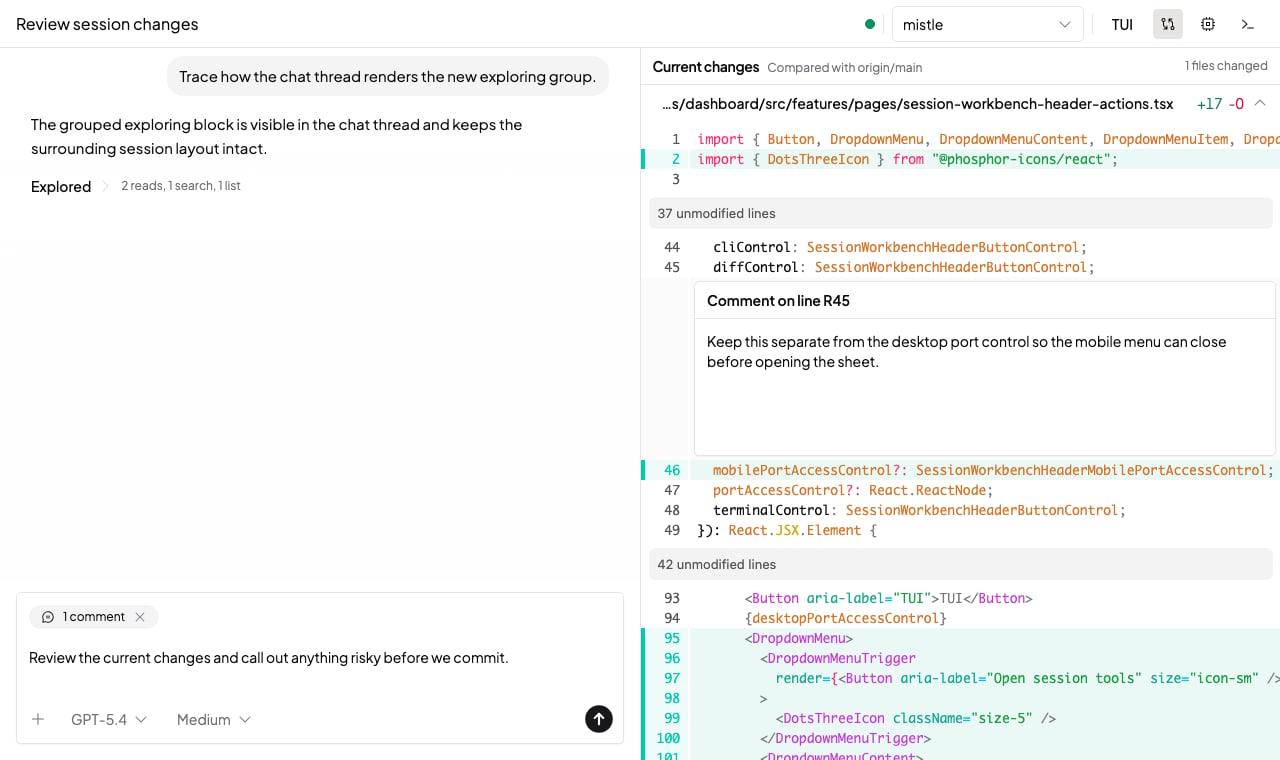
Run Terminal Commands
Open Terminal to run shell commands in the session sandbox. The terminal opens as a resizable bottom workspace and can contain multiple terminal tabs. Use the terminal for direct checks such as package-manager commands, local scripts, repository inspection, or quick probes that do not need to go through the agent.Open Running Ports
When a process inside the sandbox listens on loopback, open Processes to expose the HTTP port in a new browser tab. This is useful for previewing development servers, docs sites, Storybook, API explorers, or other local web tools started by the agent or by a terminal command.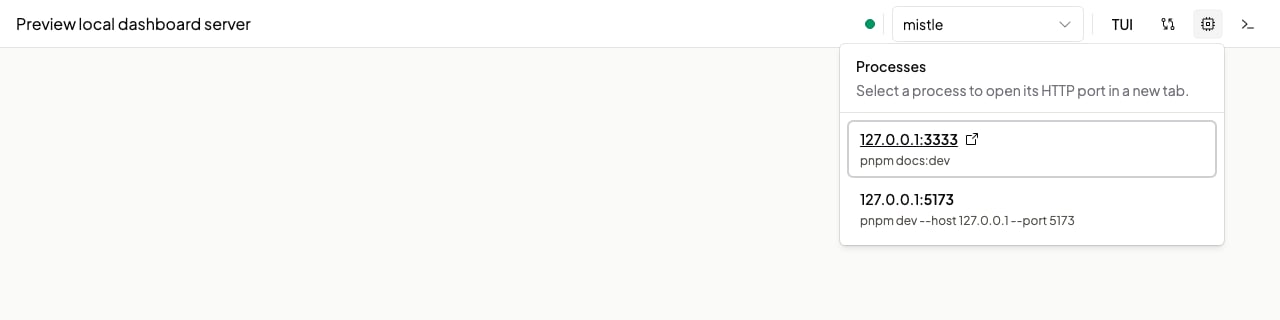
Agent Access
Agents can use configured integrations to interact with external systems. Credentials are managed by Mistle and are not placed directly inside the sandbox as long-lived secrets. The exact runtime, tools, model providers, and external-system access available in a session come from the profile, organization settings, and connected integrations.External Activity Links
When an agent writes back to supported external systems, Mistle adds a link back to the session where the work happened. For example, Slack messages, GitHub comments or pull requests, Jira issues or comments, and Linear issues or comments can include a View session link. That link lets teammates open the Mistle session behind the external update and inspect the work context.Disk State
Sessions are workspaces for ongoing agent work. Sandboxes retain their disk state across ordinary stop/start cycles. Use Snapshots when a workflow needs a reusable prepared environment for many future sessions.Next Steps
- Read Sandbox Profiles to configure the environment sessions start from.
- Read Integrations to connect external systems.
- Read Triggers for event-triggered agent sessions.